Platform: Lyvecom
Intended Audience: Ecommerce Managers, Marketing Teams, Content Creators
Creating Your First Hero Section Playlist
Shoppable video campaigns on LyveCom allow you to create immersive product experiences that drive engagement and conversion. Follow these steps to launch a new campaign from your Stories tab.
Start a New Campaign
Click the New Playlist button within your Library tab to begin creating your campaign.
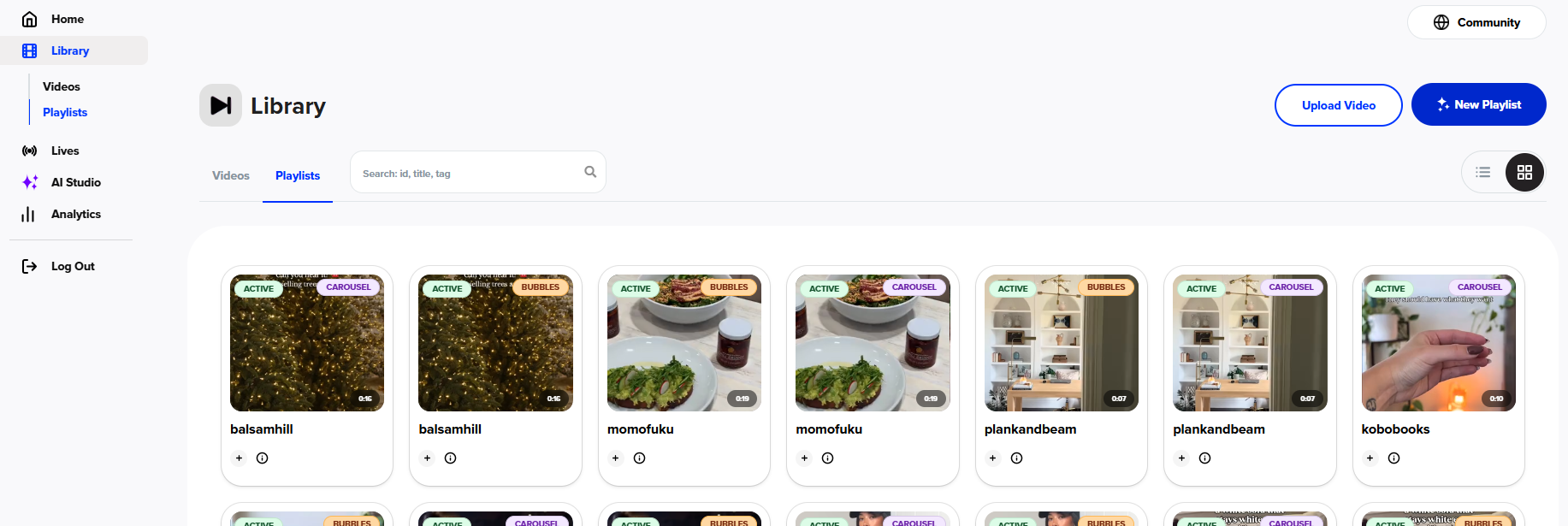
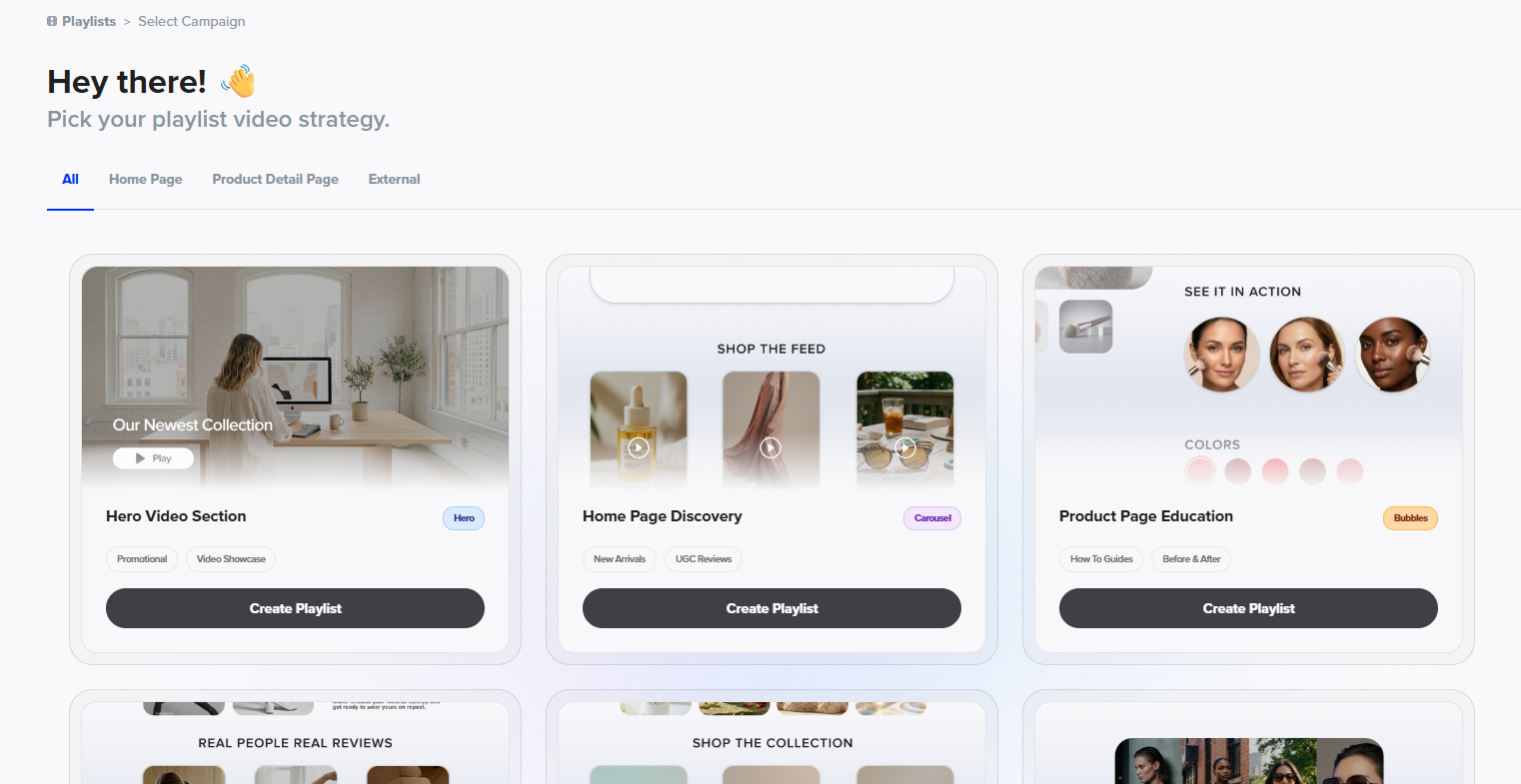
2. Select Hero Video Section
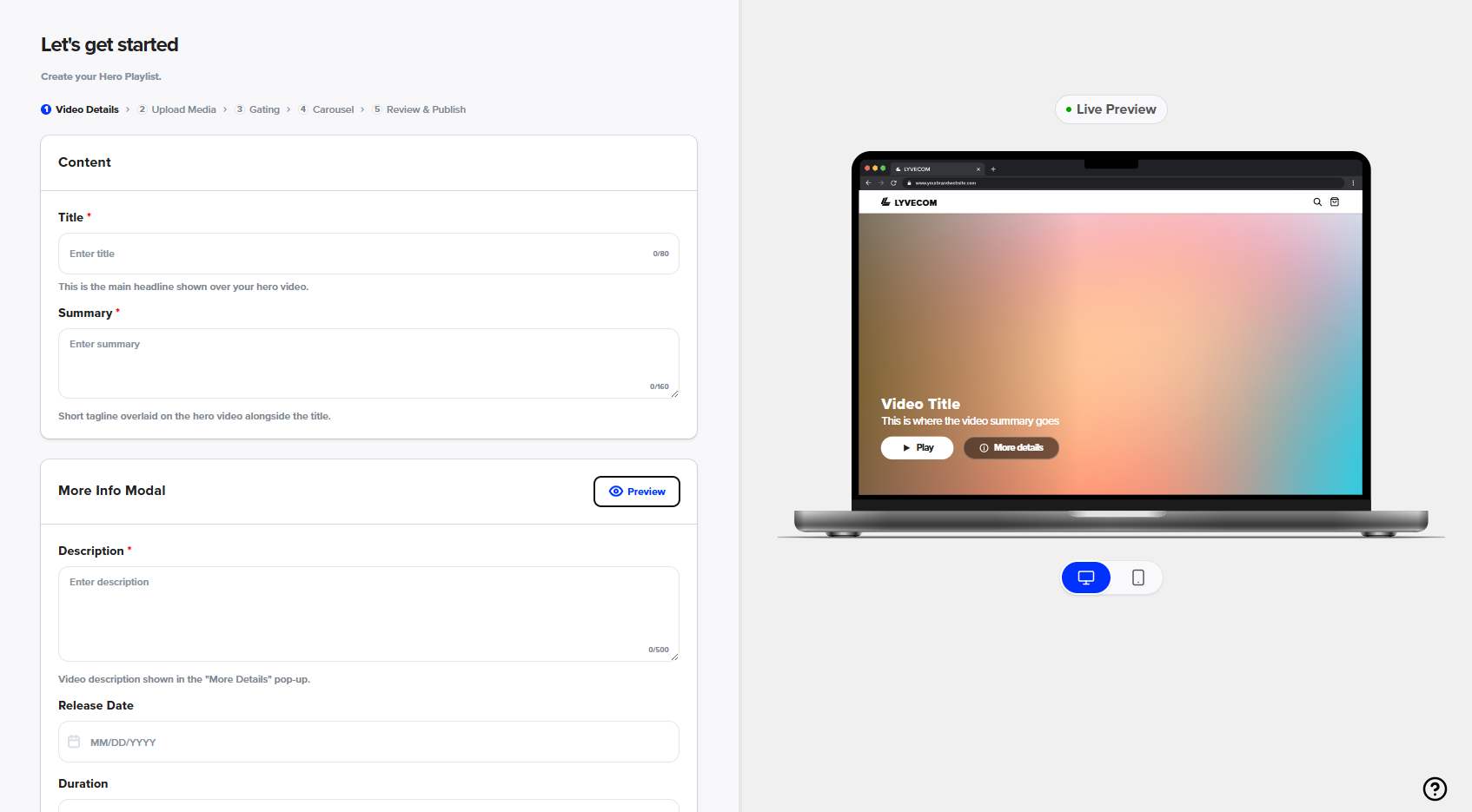
3. Enter all information
*If there is no release date, leave this blank. This is great for hyping new releases.
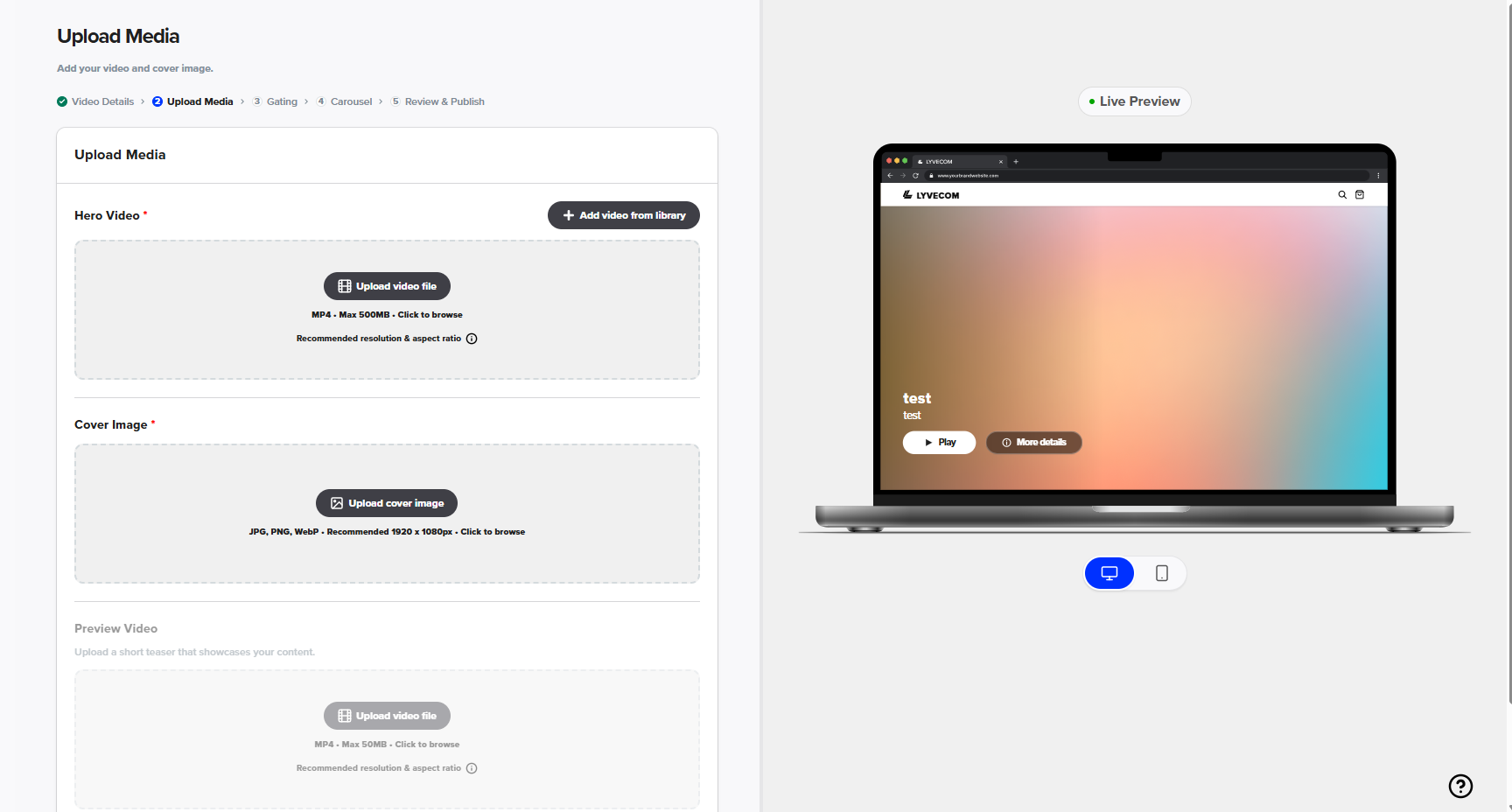
4. Upload your video and cover image
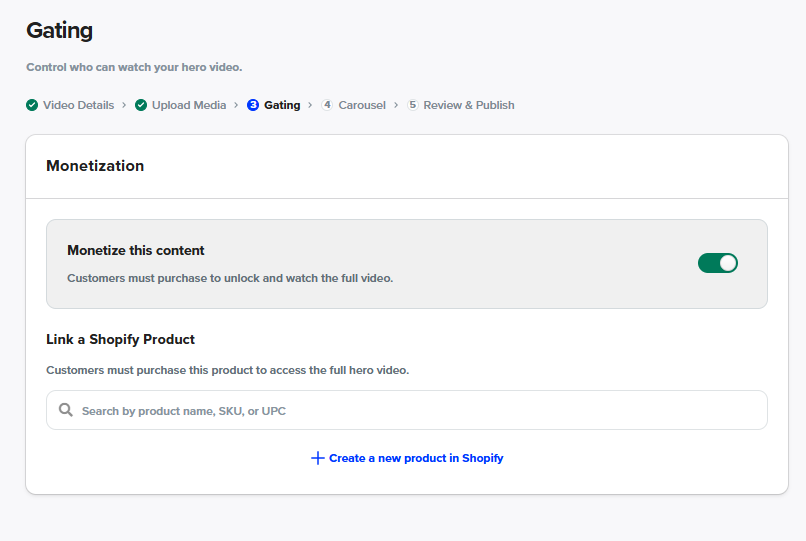
5. Choose Monetization or not (This allows you to charge for views if wanted). If you do, you can create a product customers must buy to view the content. This is great for podcast releases, etc.
To see how to build the flow and product to monetize: https://lyvecom.gorgias.help/en-US/creating-a-shopify-flow-for-monetizated-content-5722041
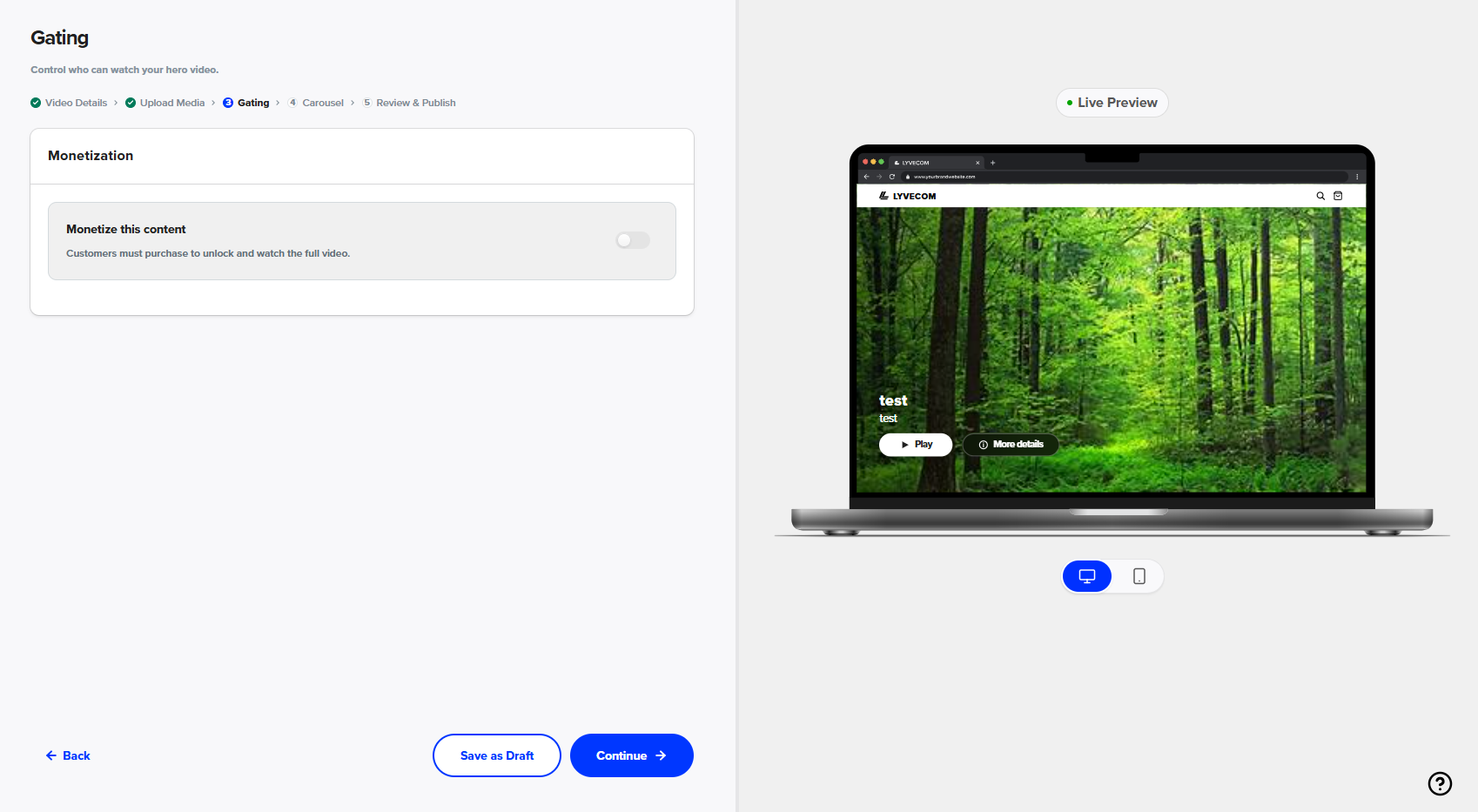
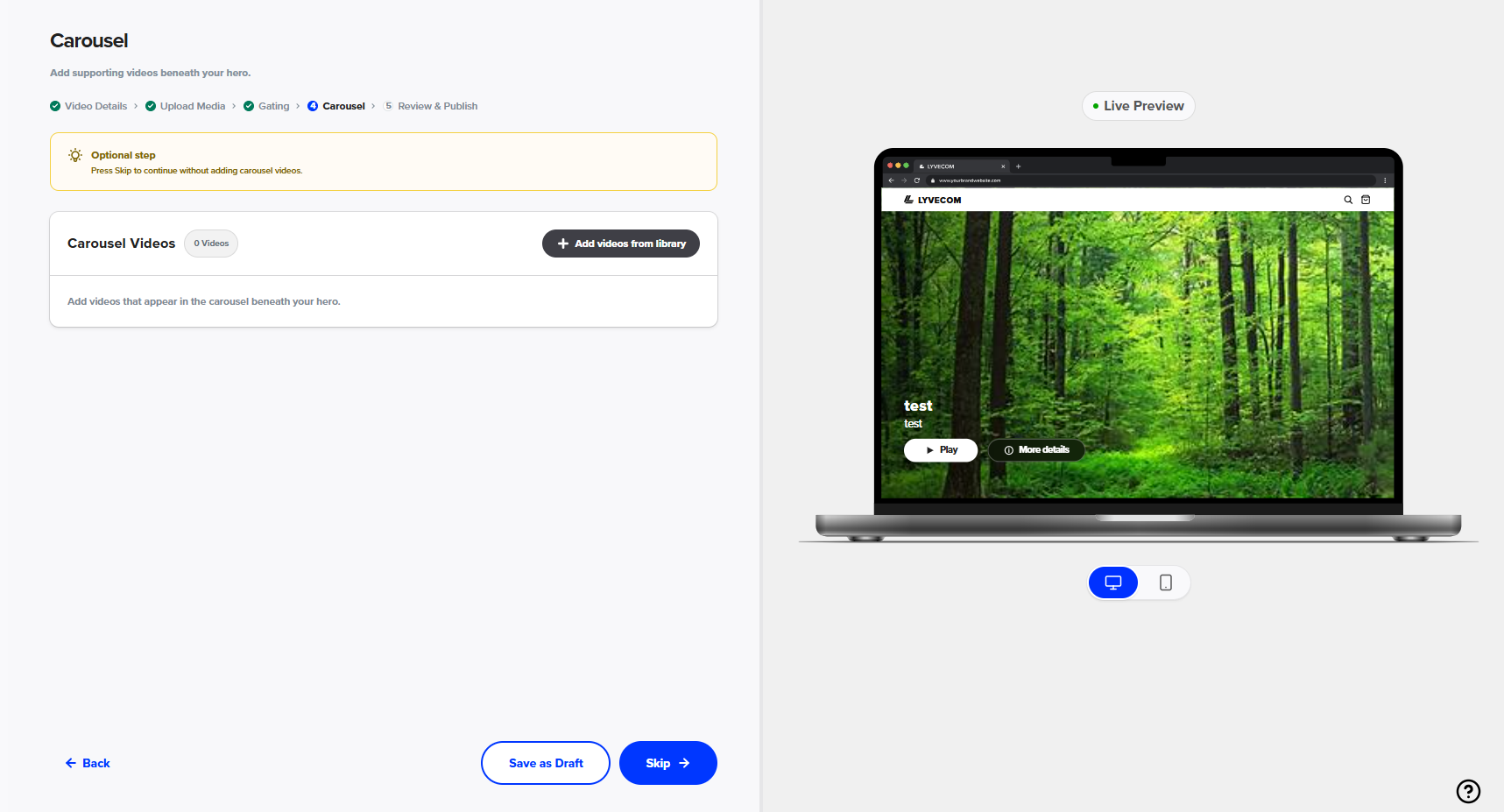
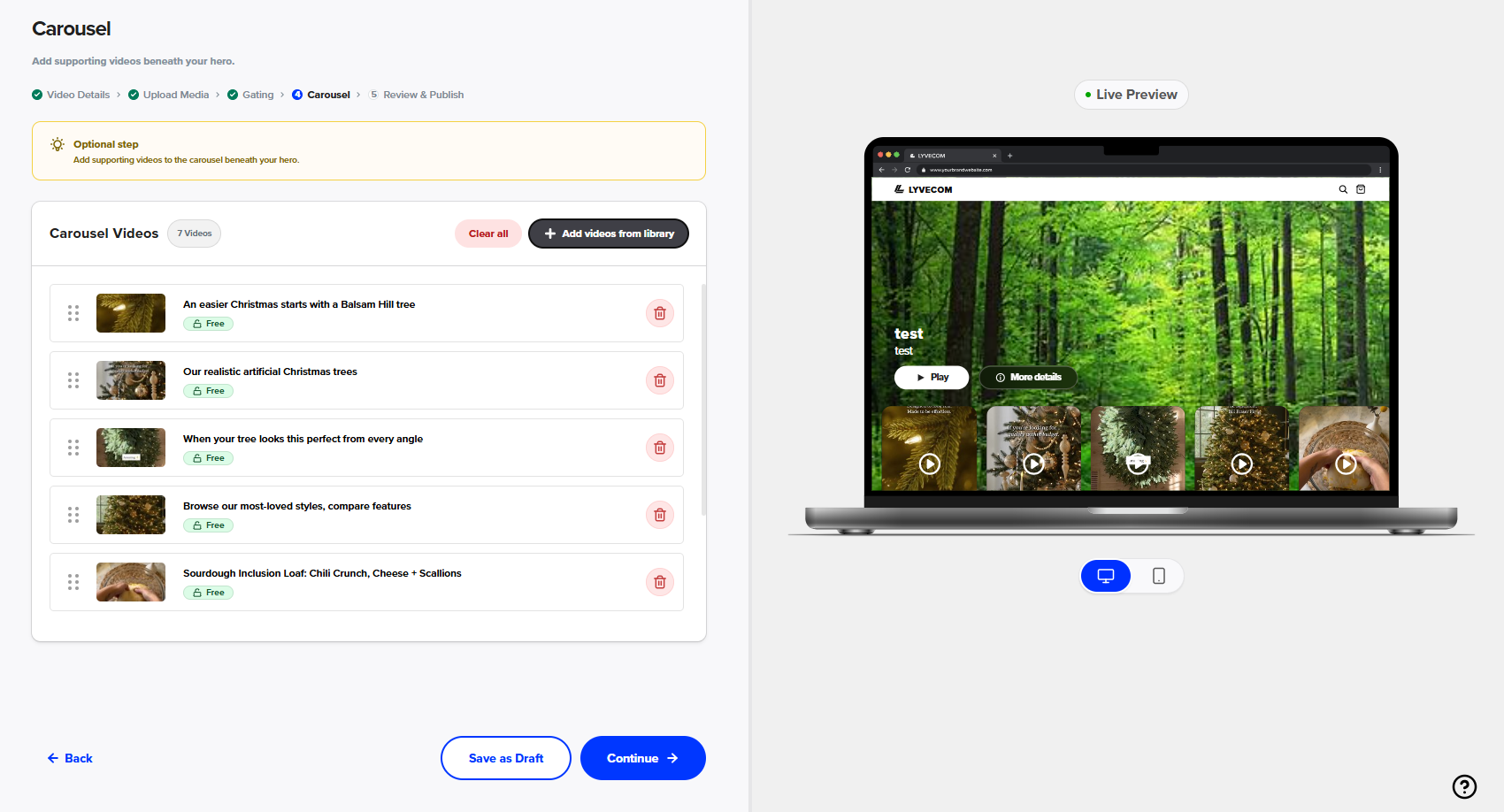
6. Select Videos you want to play in a carousel below the Hero Section. You can also skip this.
7. You're now ready to publish and share your campaign across your ecommerce site. Select “Install Hero Playlist
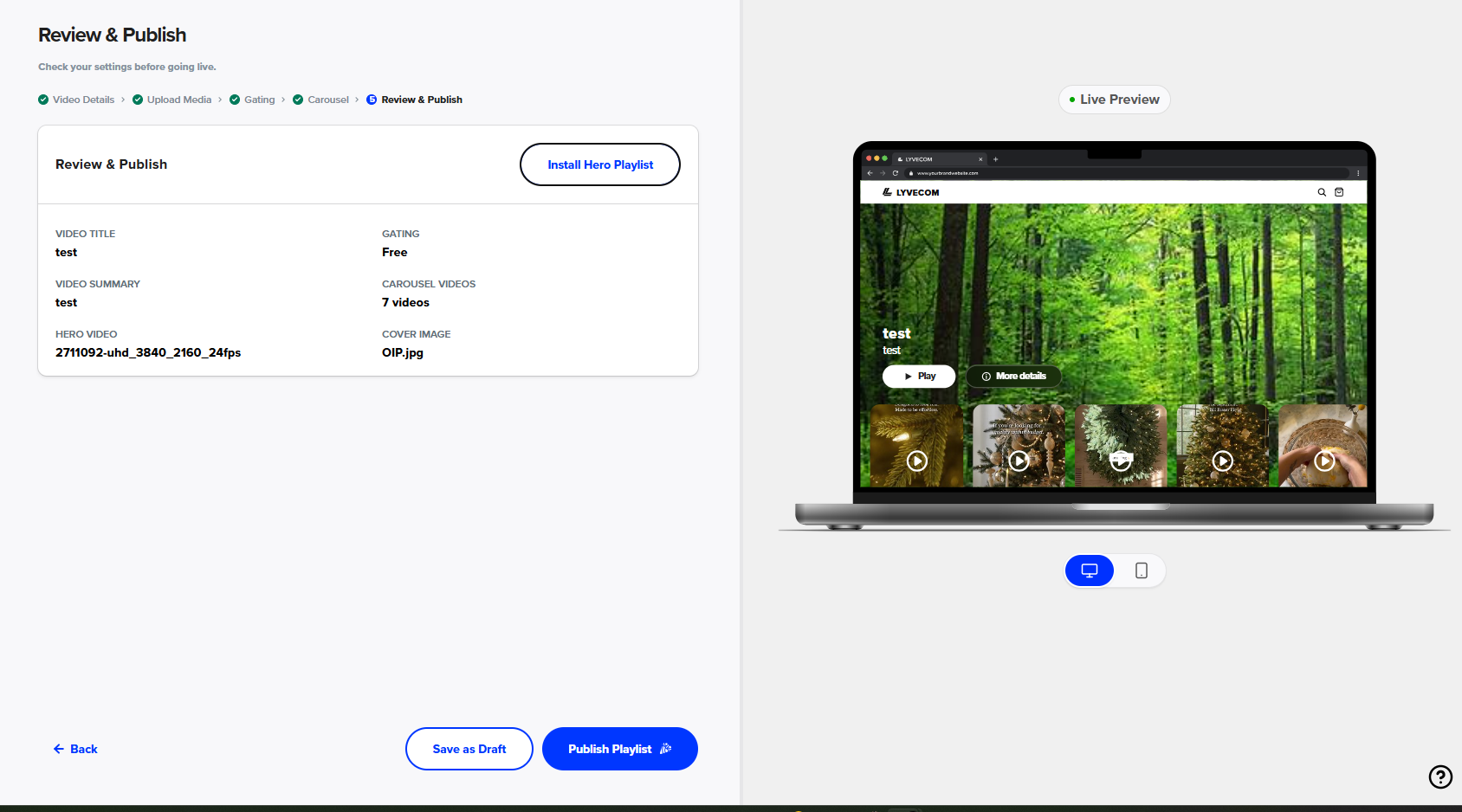
8. Copy the “Playlist ID”
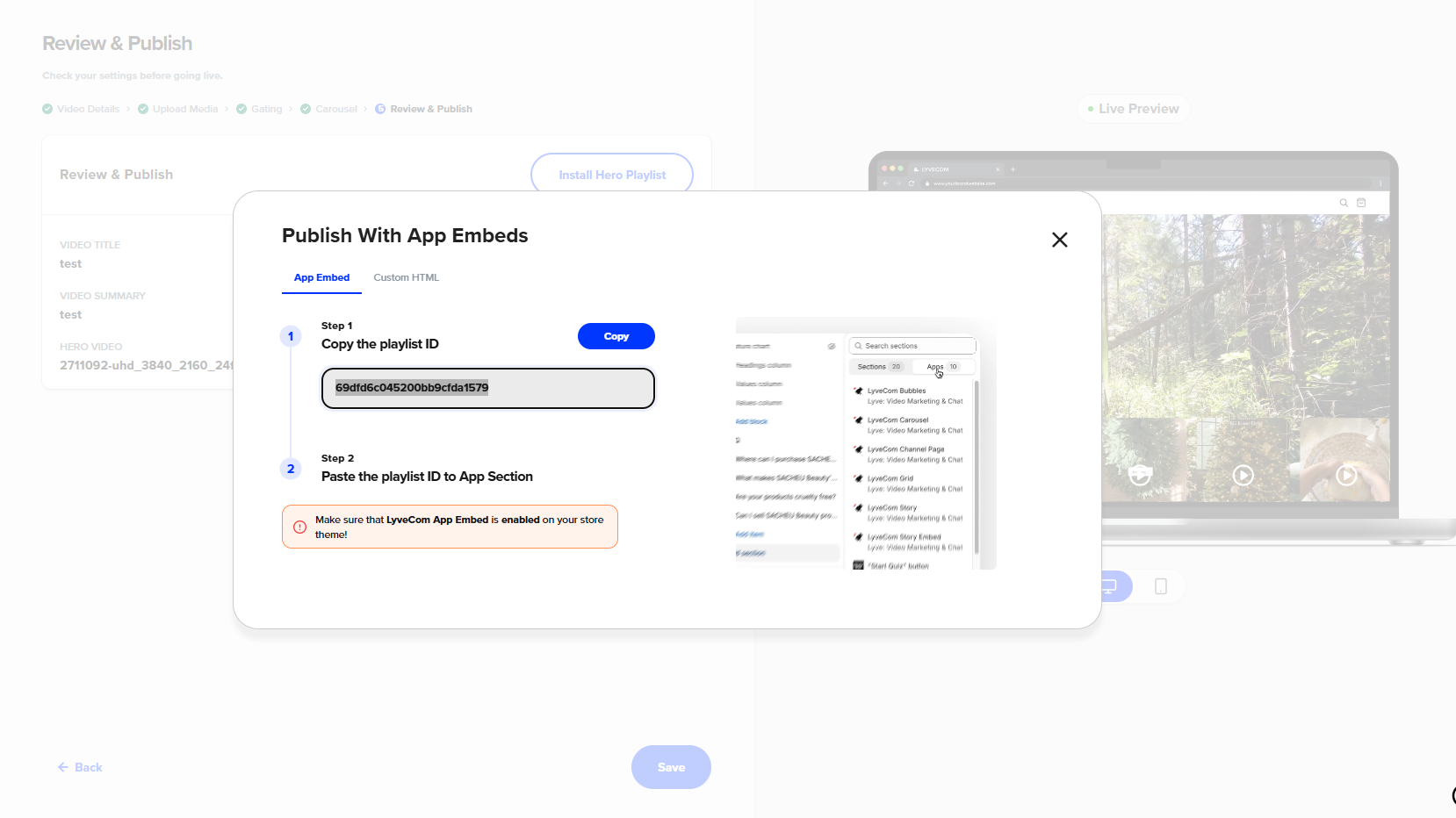
9. Go to your current Theme in Shopify.
10. Select the page you’d like the Video. Add a section, go to Apps and select “LyveCom Hero Section”
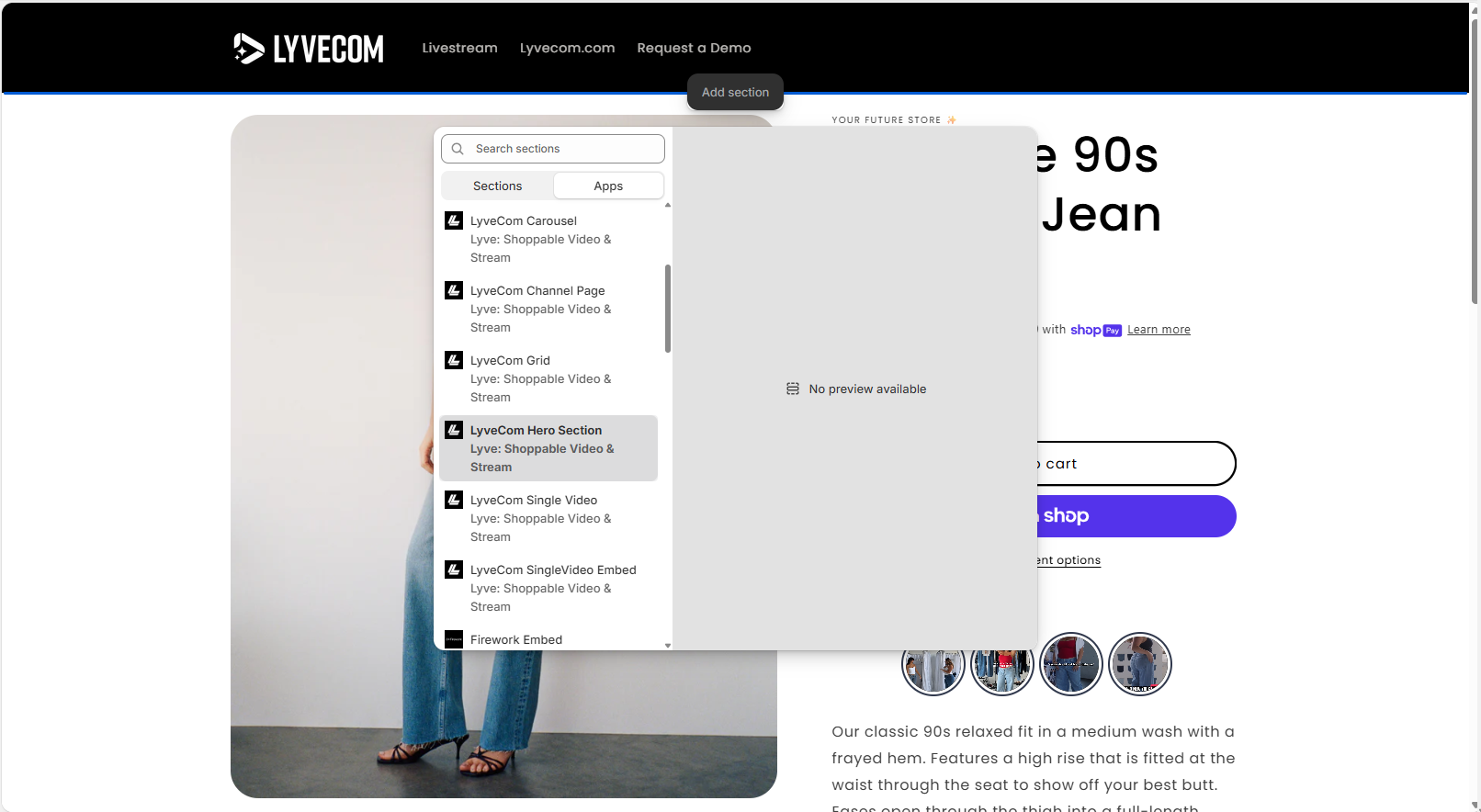
11. Paste ID
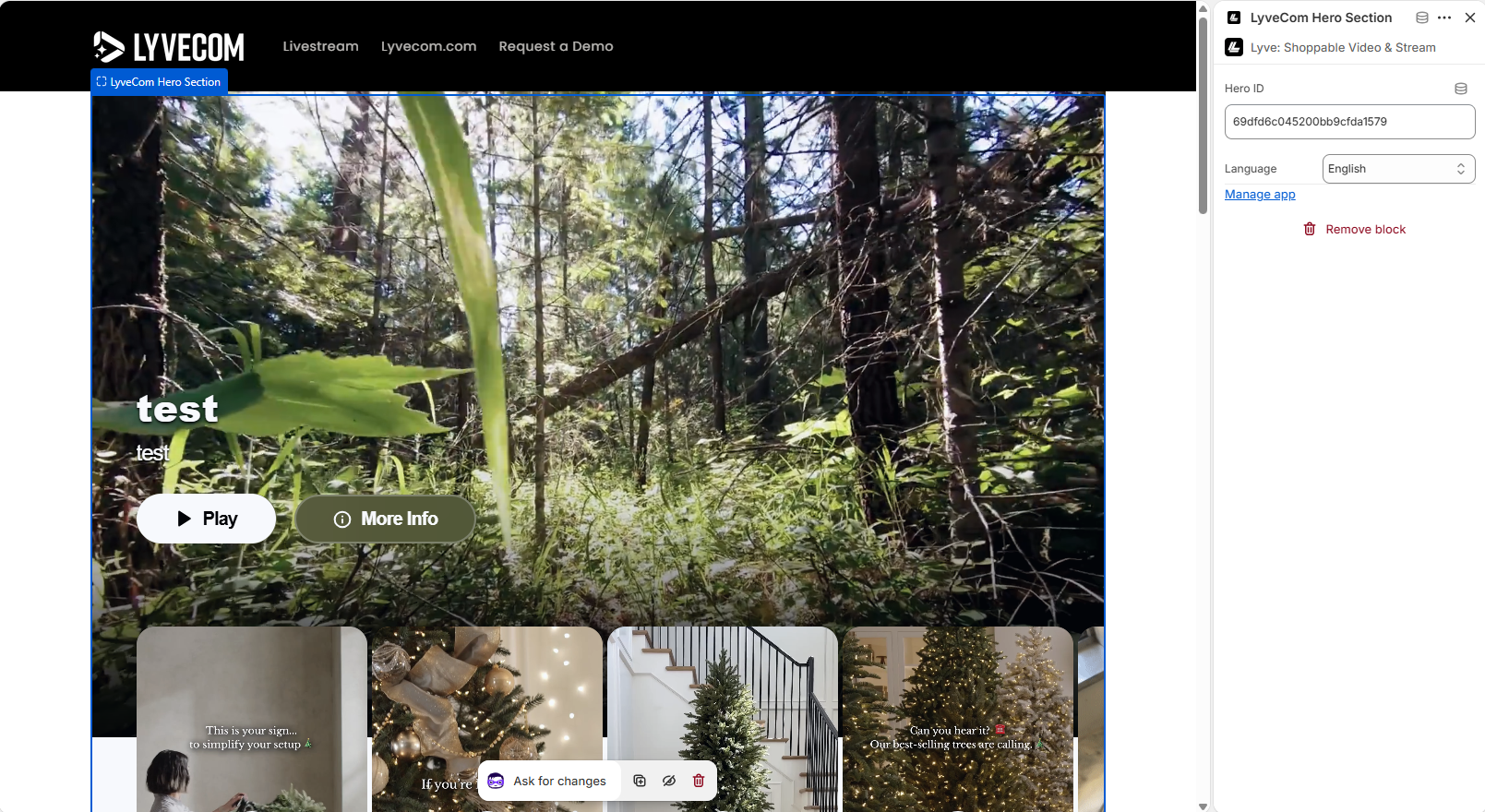
Have more questions? Reach out to our Support Team in the bottom right corner - we’re happy to help!
Happy streaming!
Was this article helpful?