Intended Audience: Ecommerce Managers, Brand Teams, Developers
Purpose: Activate subscription integrations to streamline recurring orders and subscriber management during livestreams.
How to Enable Recharge, Skio, or Stay AI
Step-by-Step:
Navigate to Settings → Integrations
Find the Recharge, Skio, or Stay AI section (depending on your provider)
Toggle ON the integration(s) you use
Select Save to confirm your changes
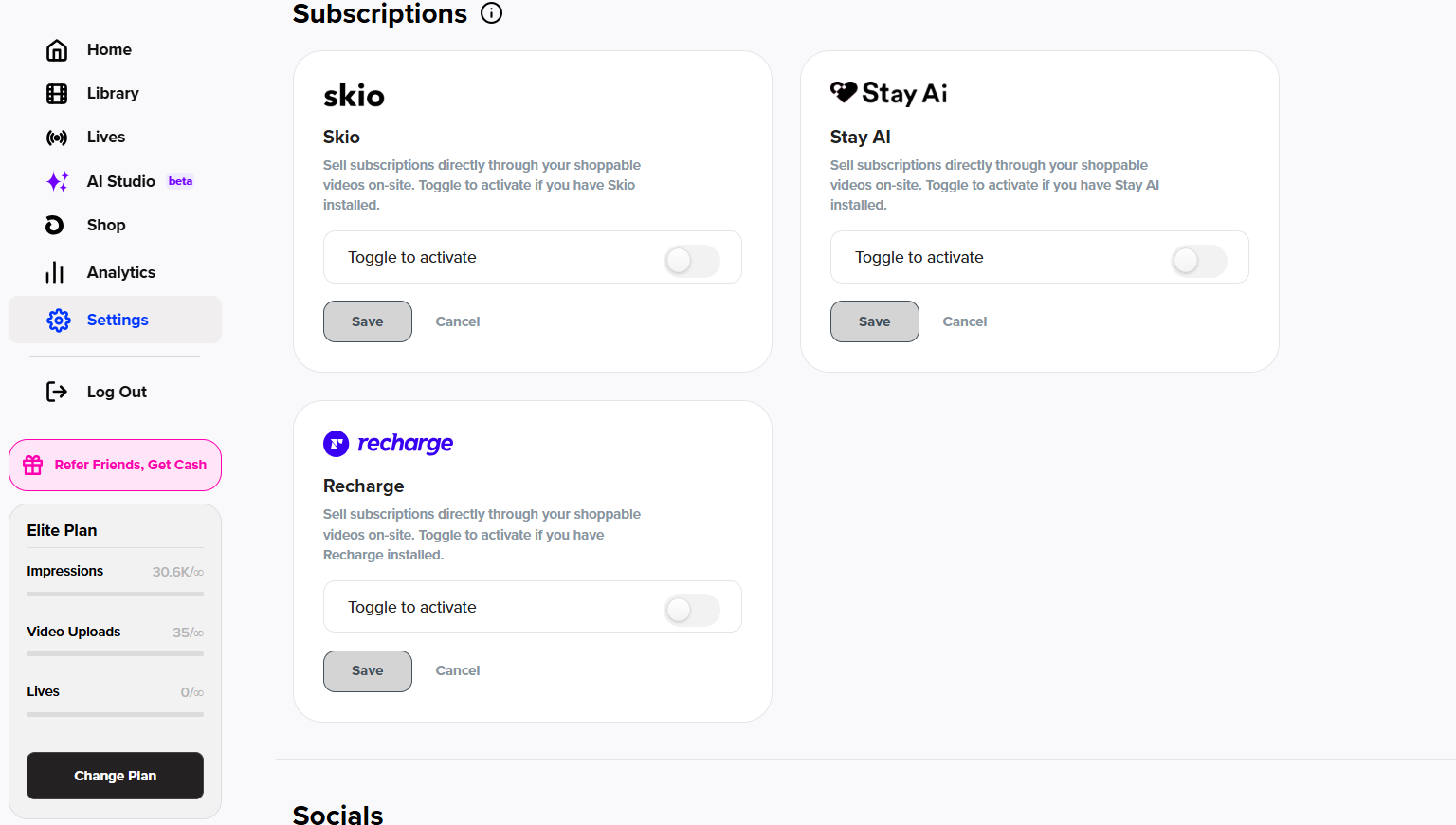
Once activated, these tools will begin syncing with your store to support subscription-based selling with LyveCom.
Have more questions? Reach out to our support team - we’re happy to help!
Happy selling! ✨
Was this article helpful?