← All versions
Yotpo Integration
5/27/2026, 12:43:40 PM3ccc239ehumancurrent
seed: import from lyvecom-knowledge
Body (current)
**Intended Audience:** Ecommerce Managers, Brand Teams
**Purpose:** Display product reviews during livestreams to boost trust and conversion.
* * *
## 🌟 Display Product Reviews with Yotpo
* * *
### How to Enable Yotpo Integration
1. ###
Go to **Settings** → **Integrations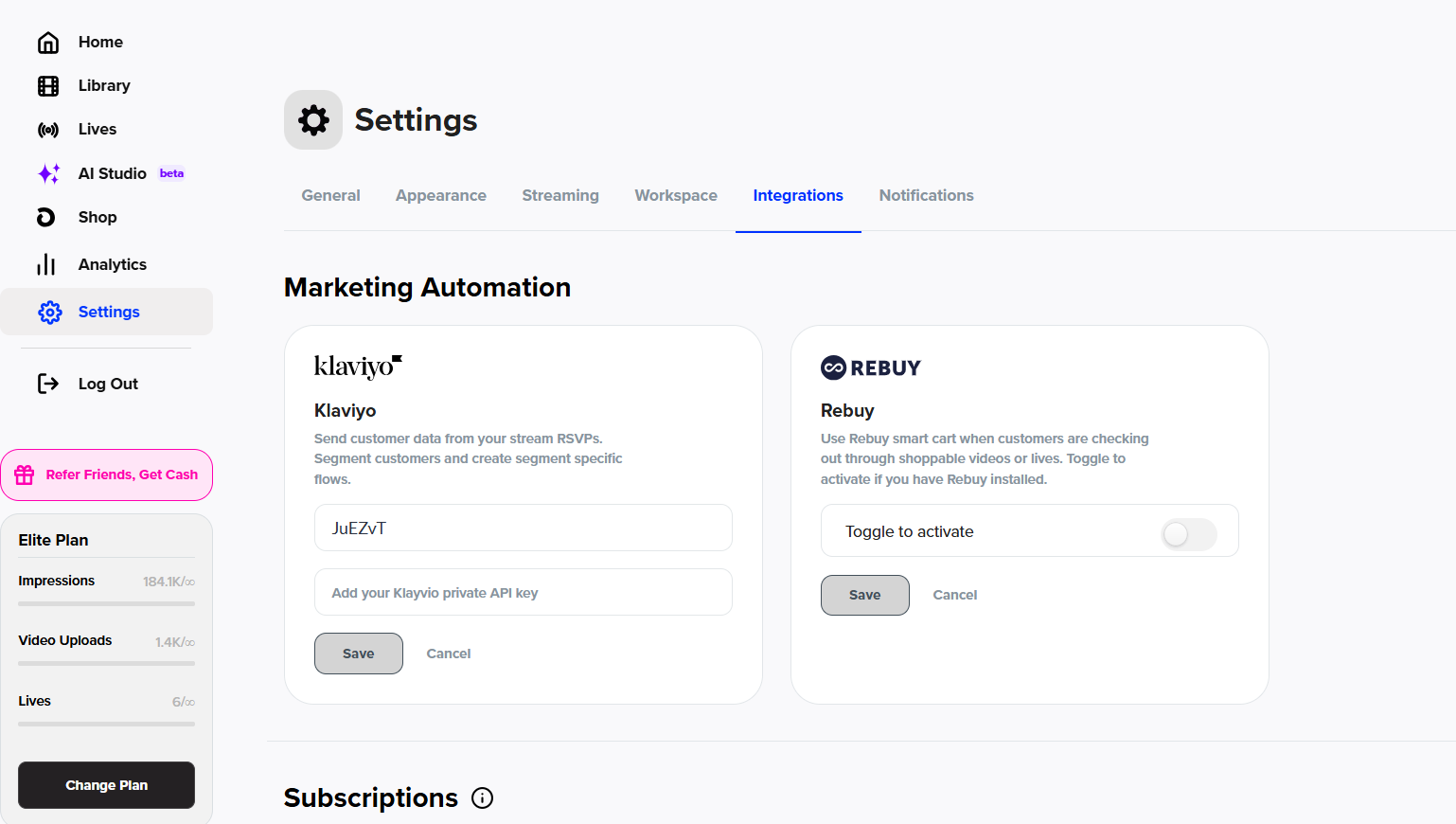**
2. Scroll to the **Reviews** section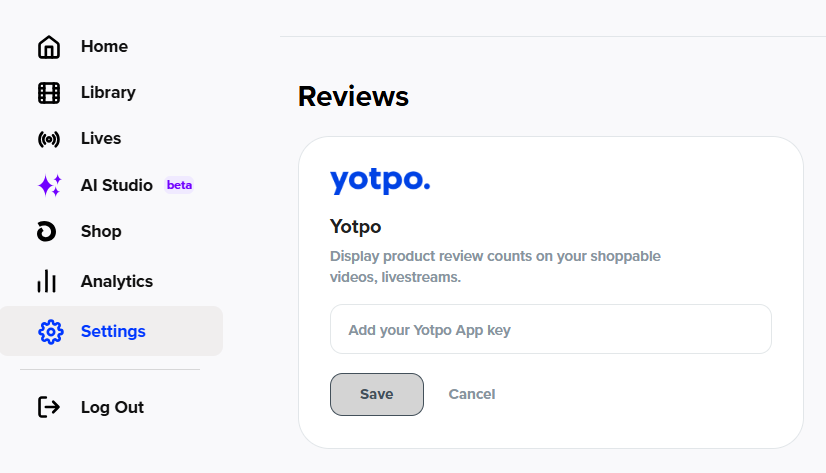
3. Retrieve your **App Key** from Yotpo:
- In Yotpo Reviews, click the **Profile icon** (top right)
- Select **Account Settings** → **General Settings**
- Scroll to the bottom of the page to find your **App Key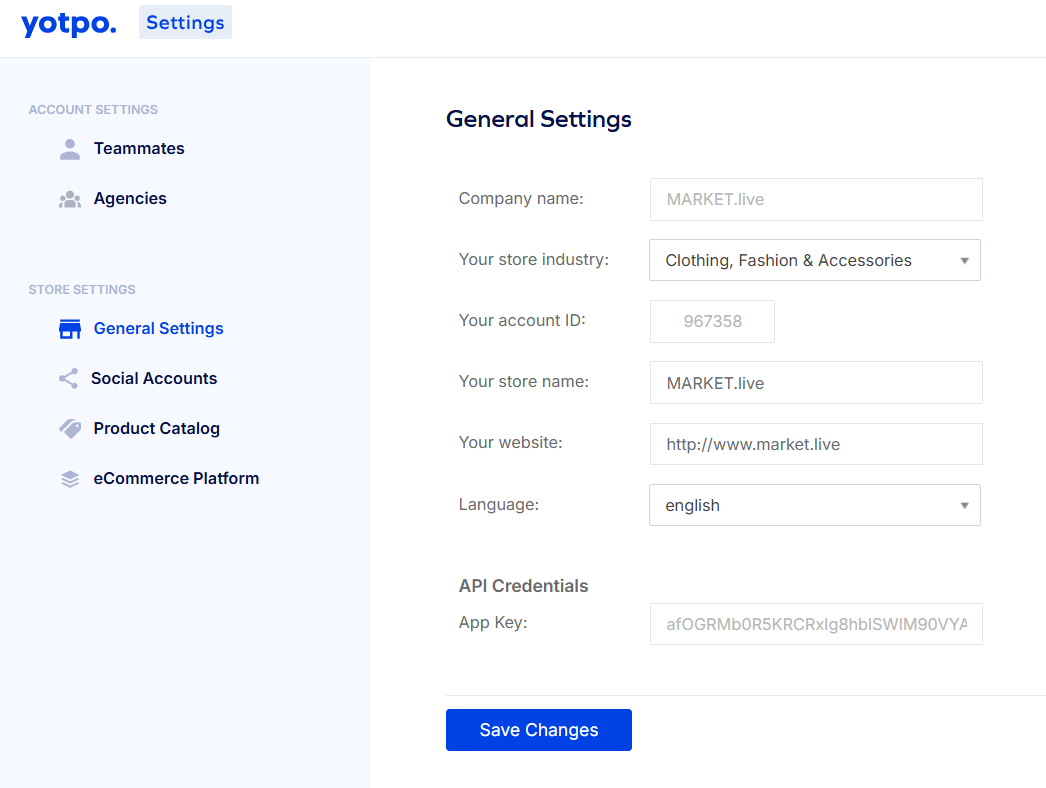**
4. Paste the **App Key** into the **LyveCom** **dashboard**
5. Click **SAVE** to activate the integration
Once connected, your Yotpo reviews can appear in your livestream experience—perfect for building real-time credibility and driving sales.
* * *
Have more questions? Reach out to our [**support team**](https://lyvecom.gorgias.help/en-US/contact) - we’re happy to help!
**Happy selling!** ✨